Take back control of privileged access
Administrative access to your servers is the most sensitive in your infrastructure, and often the least controlled: keys and passwords shared between teams, direct connections no one keeps track of, accounts still active long after someone has left.
sussh bastion puts a single entry point between your teams and your servers.
Every SSH or RDP access goes through the bastion, which checks the rights, opens the connection without ever exposing the credentials, and keeps a complete record of the session.
You know who accesses what, you can prove it, and you can cut an access in an instant.
Who it’s for
| Audience | Challenge | What sussh bastion brings |
|---|---|---|
| Managed service providers | Several technicians work across several clients, with shared access | A single entry point, per-team rights, credentials never disclosed to technicians |
| IT departments, operations teams | Knowing who has access to what, removing access without delay when someone leaves | Clear rights, managed centrally, and instant revocation |
| CISOs, compliance | Proving who connected, when, and what was done | The log and recording of every session, retained over time |
| Occasional users, non-technical staff | Reaching a server without any tooling to install | Access from a plain browser, SSH as well as Windows desktop |
A single entry point, access under control
Your teams no longer connect directly to the servers: they go through sussh bastion, with a simple command or a click in the browser.
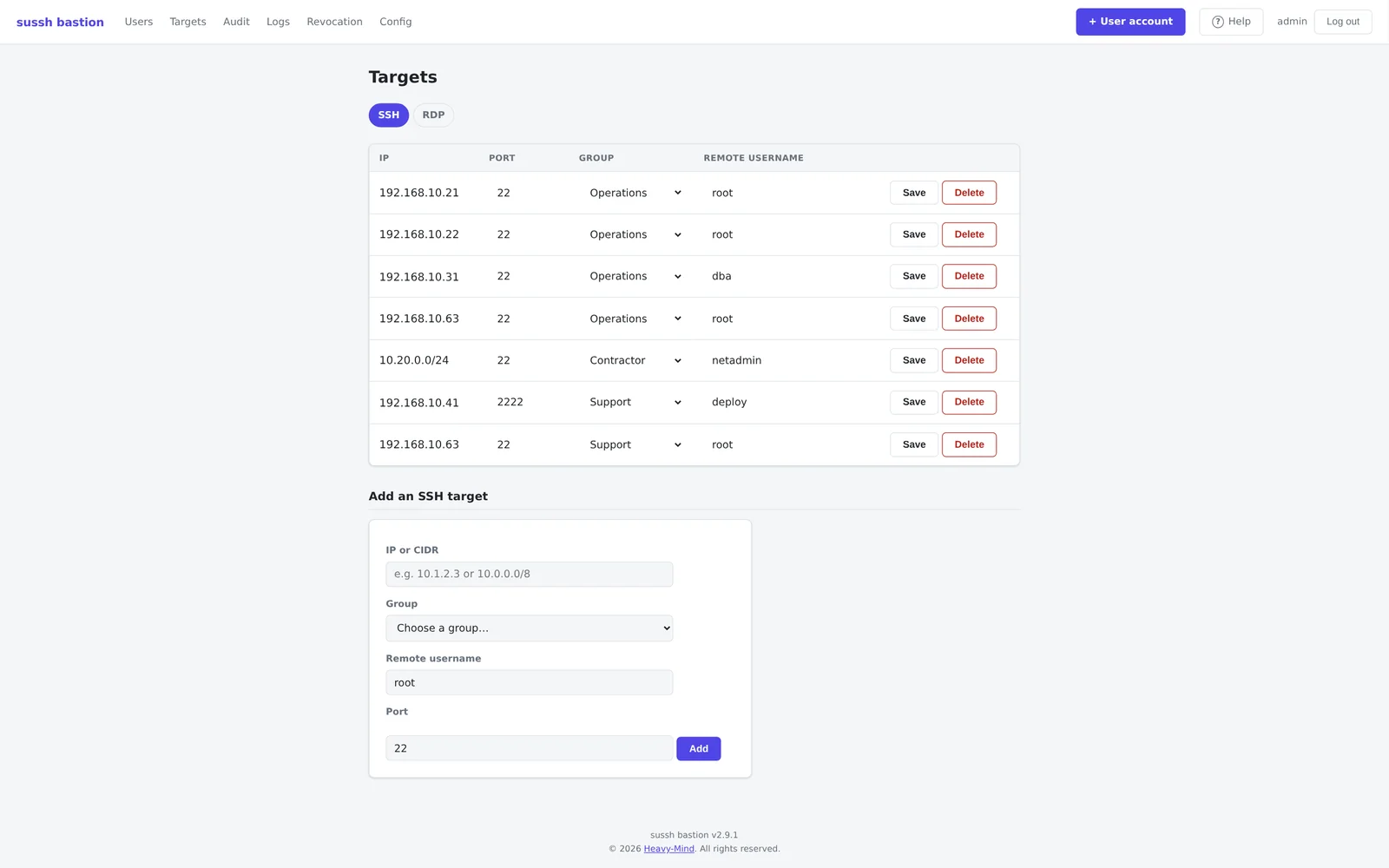
- Clear rights, per team - each group of users reaches only the servers that concern them.
- Instant revocation - revoking an employee’s account cuts all their live sessions, SSH and RDP, within seconds.
- Credentials that no longer circulate - server keys and passwords stay inside the bastion; your people never see them, and there is nothing to change on the servers when someone leaves.
- No more per-server key management, as an option - with ephemeral certificates, a one-time setup per server lets it trust the bastion; after that, no SSH key to deploy or remove. The bastion grants access on demand, renewed on each connection.
Every session tracked, every access proven
“Who connected, when, and to do what?” - sussh bastion answers that question for each of your servers.
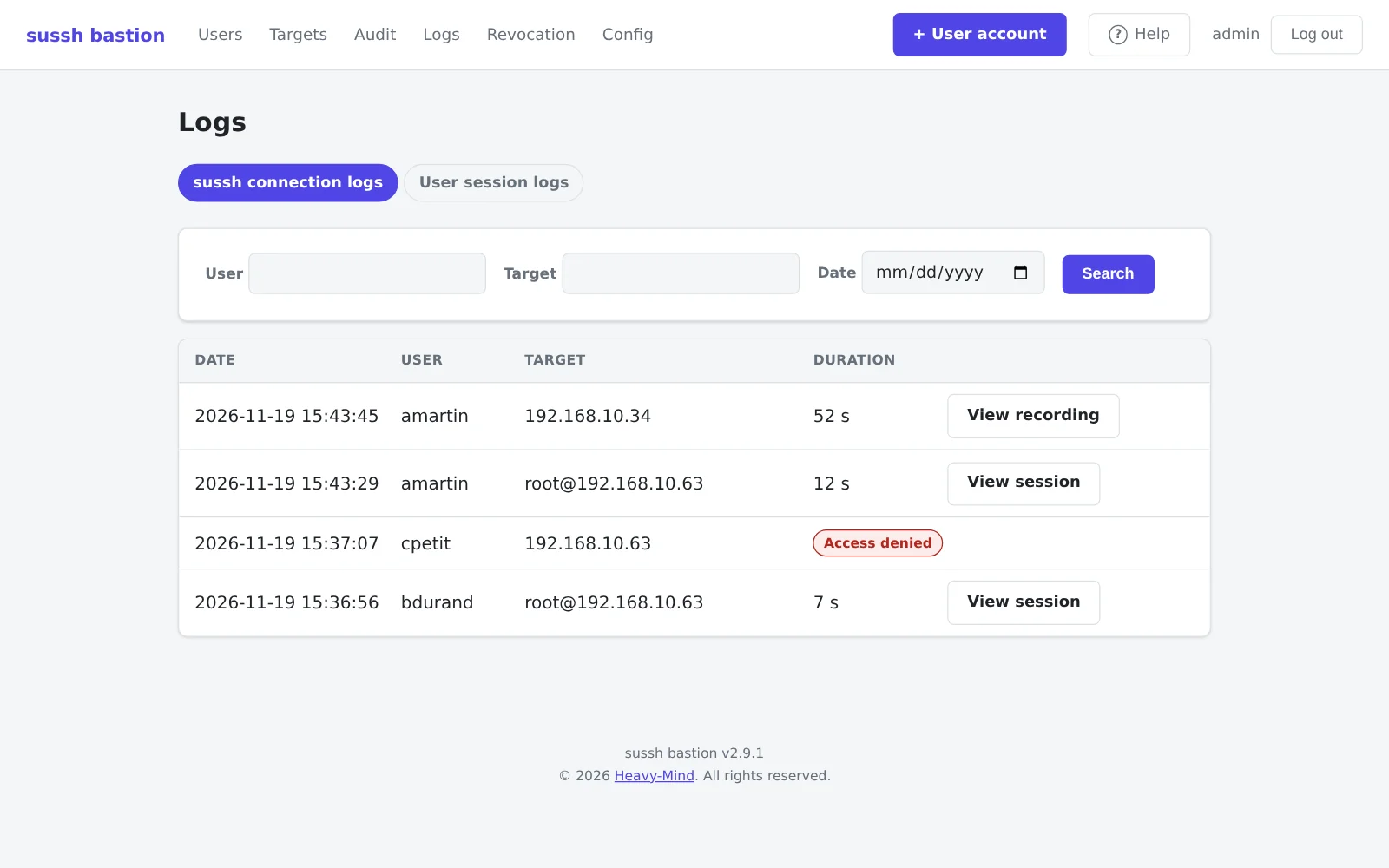
- A log of every connection, accepted or refused: who, to which server, with which account, and for how long.
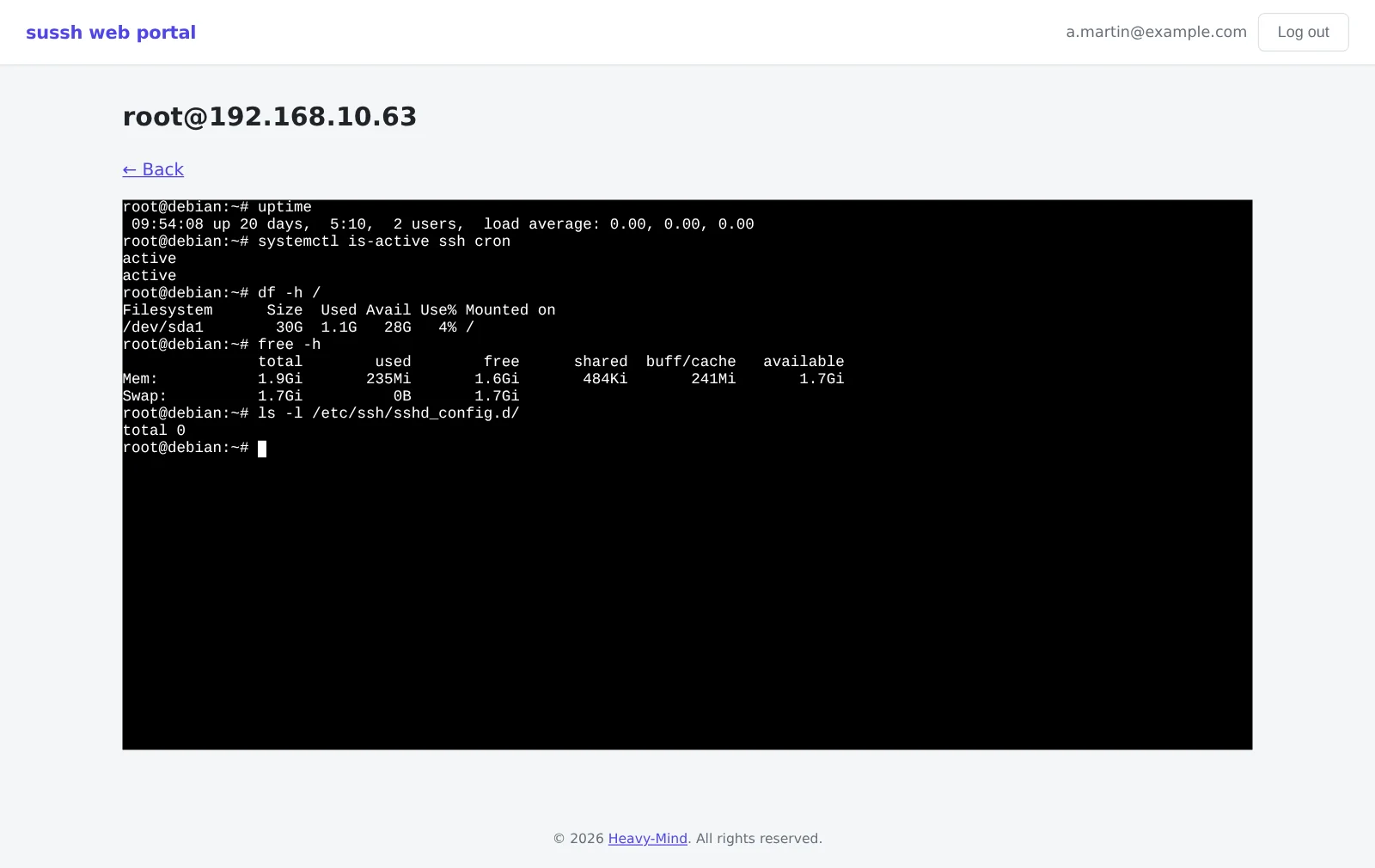
- Live monitoring of SSH sessions - an ongoing SSH session can be watched in real time.
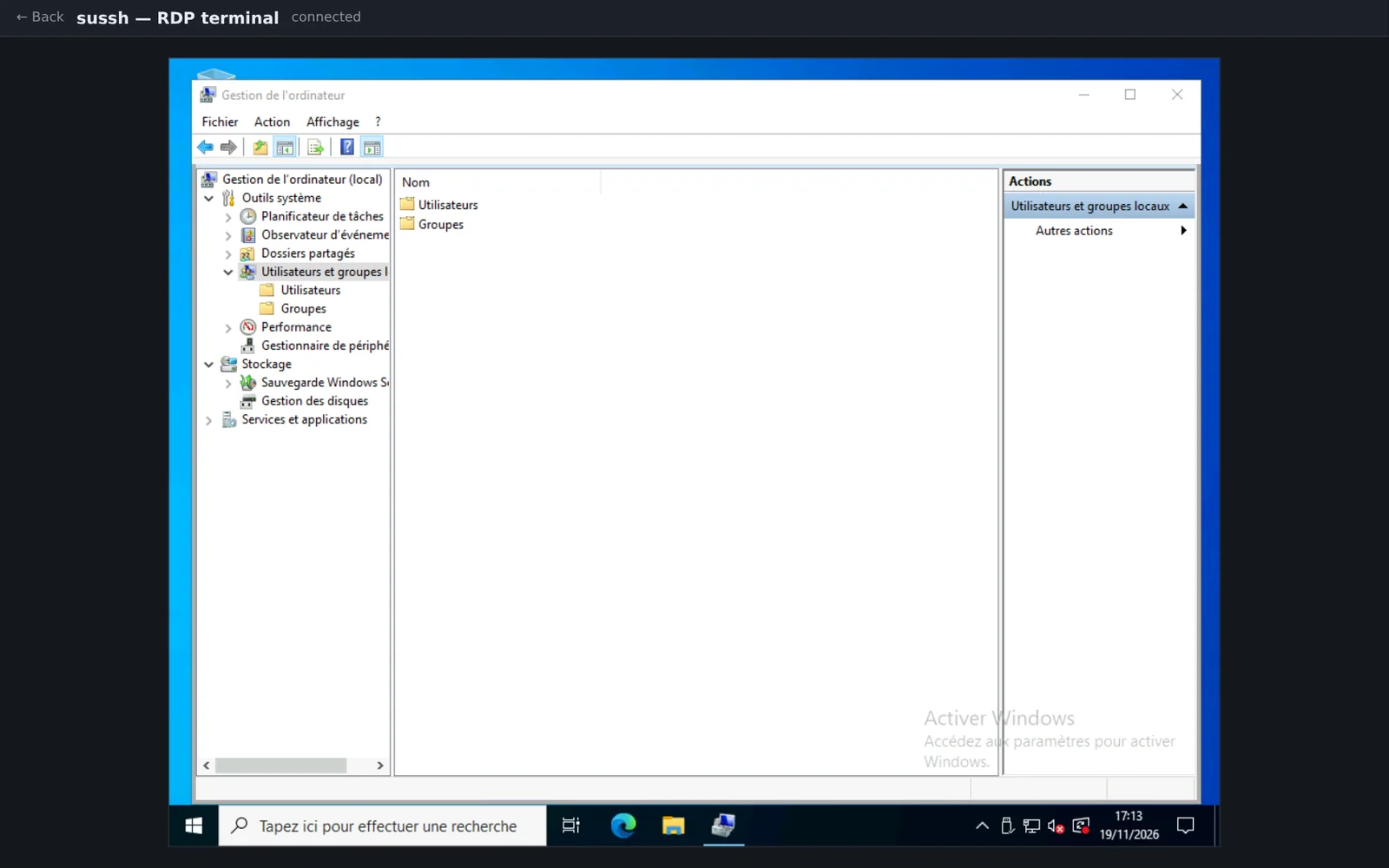
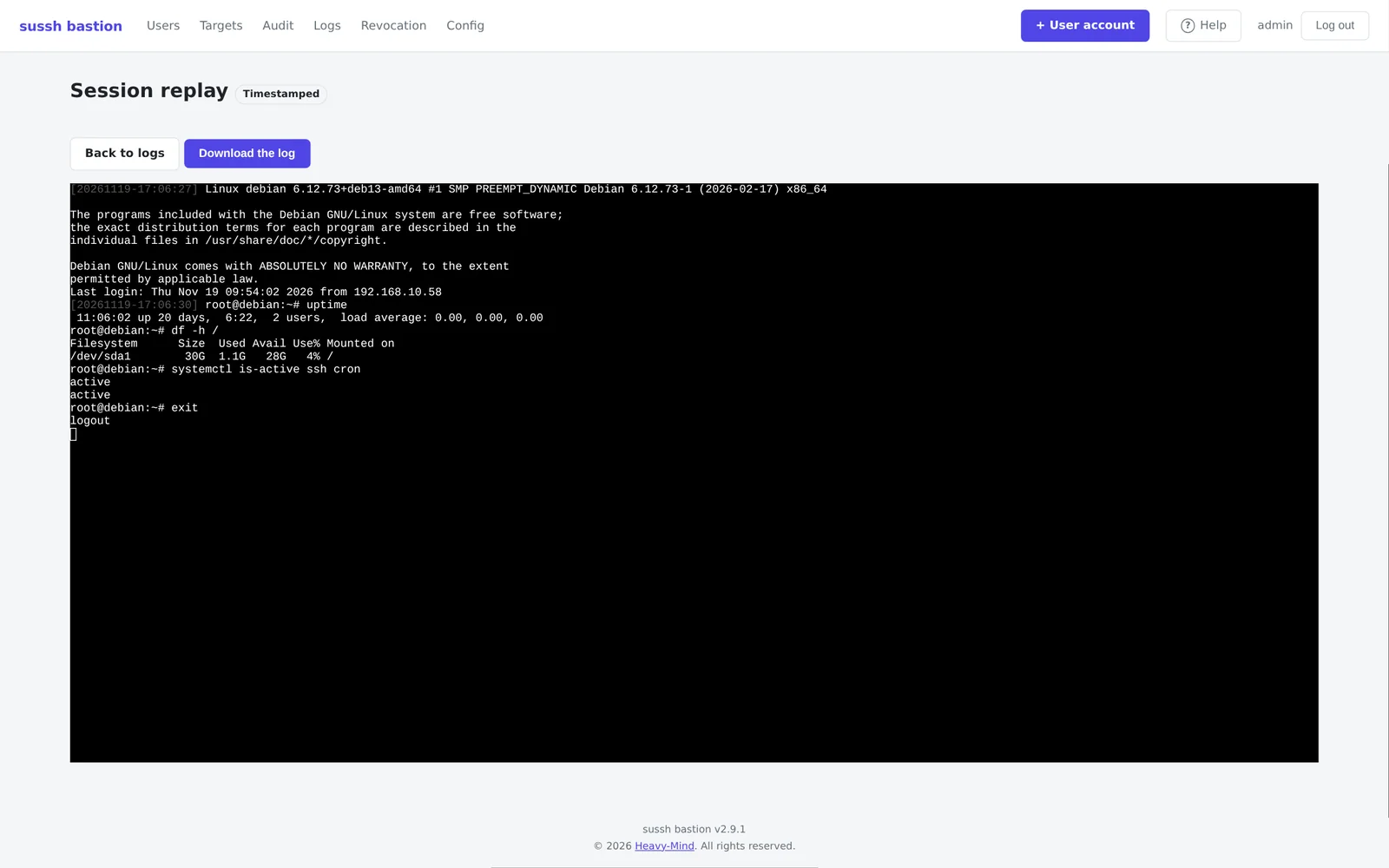
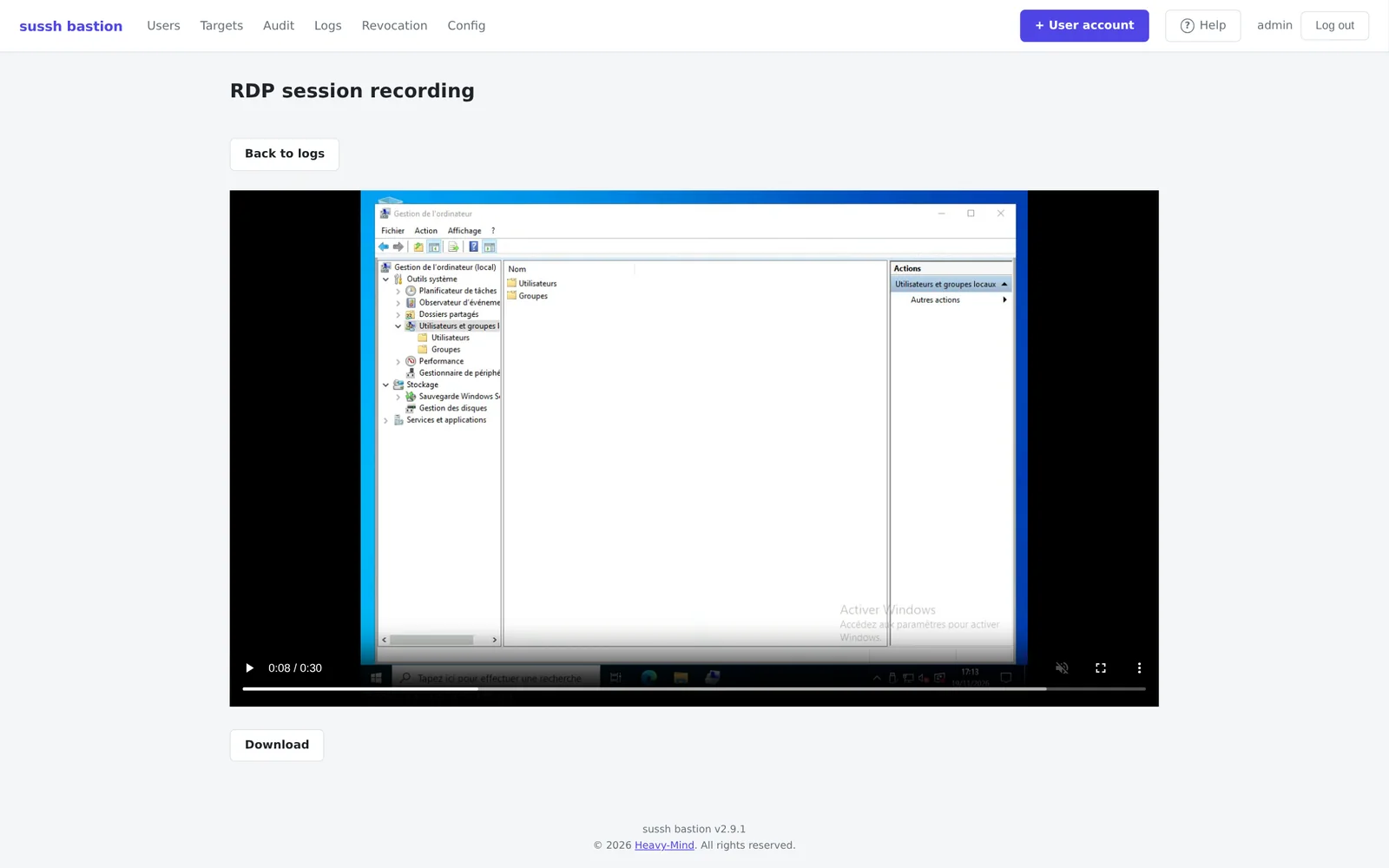
- Recording and replay of SSH and RDP sessions, reviewed simply, like a video, and exportable.
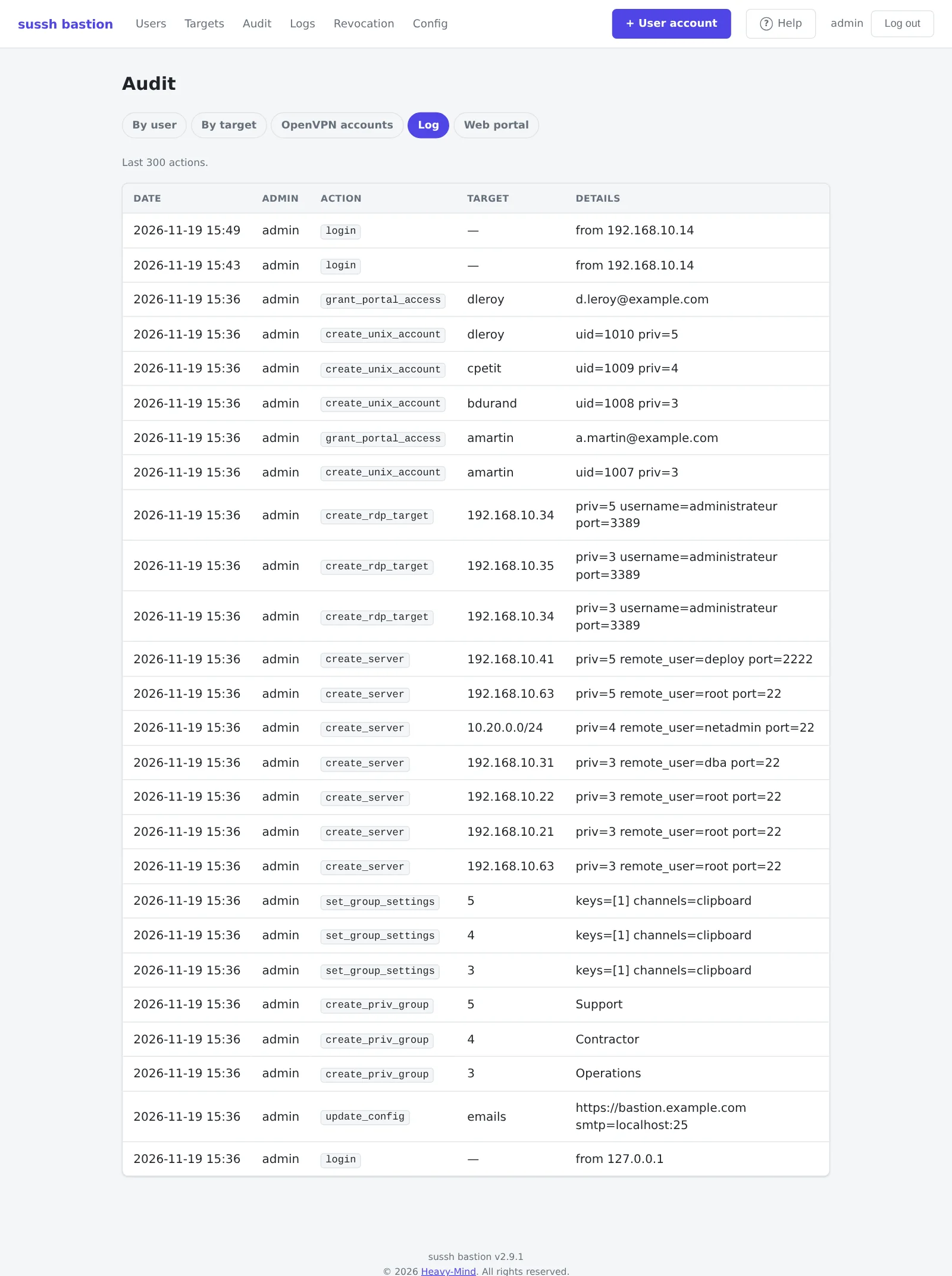
- Retention over time - at least twelve months - and a dedicated auditor role for review, with no right to modify.
- sussh bastion helps you meet the traceability, named-account and access-control requirements found in frameworks such as ISO 27001 or PCI-DSS.
Simple access, for your teams and your occasional users alike
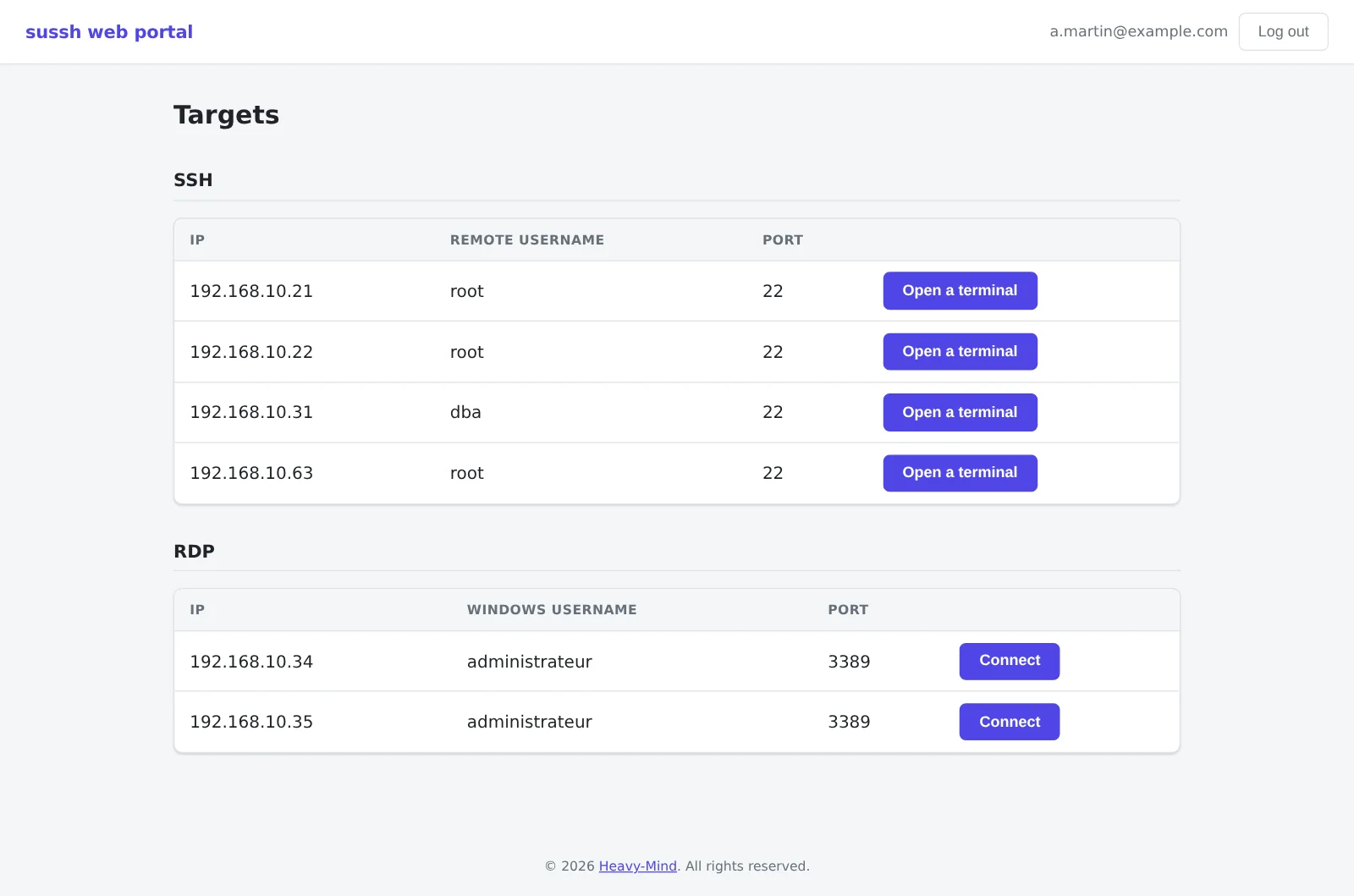
- No client to install - a browser is enough to open an SSH terminal or a Windows desktop.
- Command line or web - everyone works the way they prefer, with the same rights and the same traceability.
- Protected upstream - access to the bastion can rely on the built-in VPN and two-factor authentication, or on your own management network and firewall, if you prefer.
sussh bastion in pictures
The security of the bastion itself
A bastion concentrates the most sensitive access, so its own security is decisive.
- Hardened system, software shipped compiled - no source code is installed on the bastion.
- Internal isolation - each component runs under its own least-privilege account, with SELinux enabled.
- Outbound firewall - the bastion can reach only its target servers, nothing else.
- Encrypted secrets - server keys and passwords are protected by a master key that never leaves the bastion.
Flexible deployment
- Operated by you or by us - you run the bastion yourself, or you hand us its installation, updates and backup.
- Fits into your architecture - place the bastion wherever you want in your network.
- A bastion dedicated to your environment, with an unlimited number of target servers.
- Administration panel, web portal and documentation in French and English.
Every infrastructure has its own constraints. Let’s talk about yours: we’ll walk you through sussh bastion and work out the right setup together.
Interested in this service?
Let's talk about your needs and build the right solution together.